Fire Mode: Run One Prompt Across Every AI Model at Once
Meet Fire Images and Fire Videos. Generate up to 5 images or videos per model across multiple AI models from a single prompt, then keep the best. The total cost is checked before you spend.
One prompt, every model
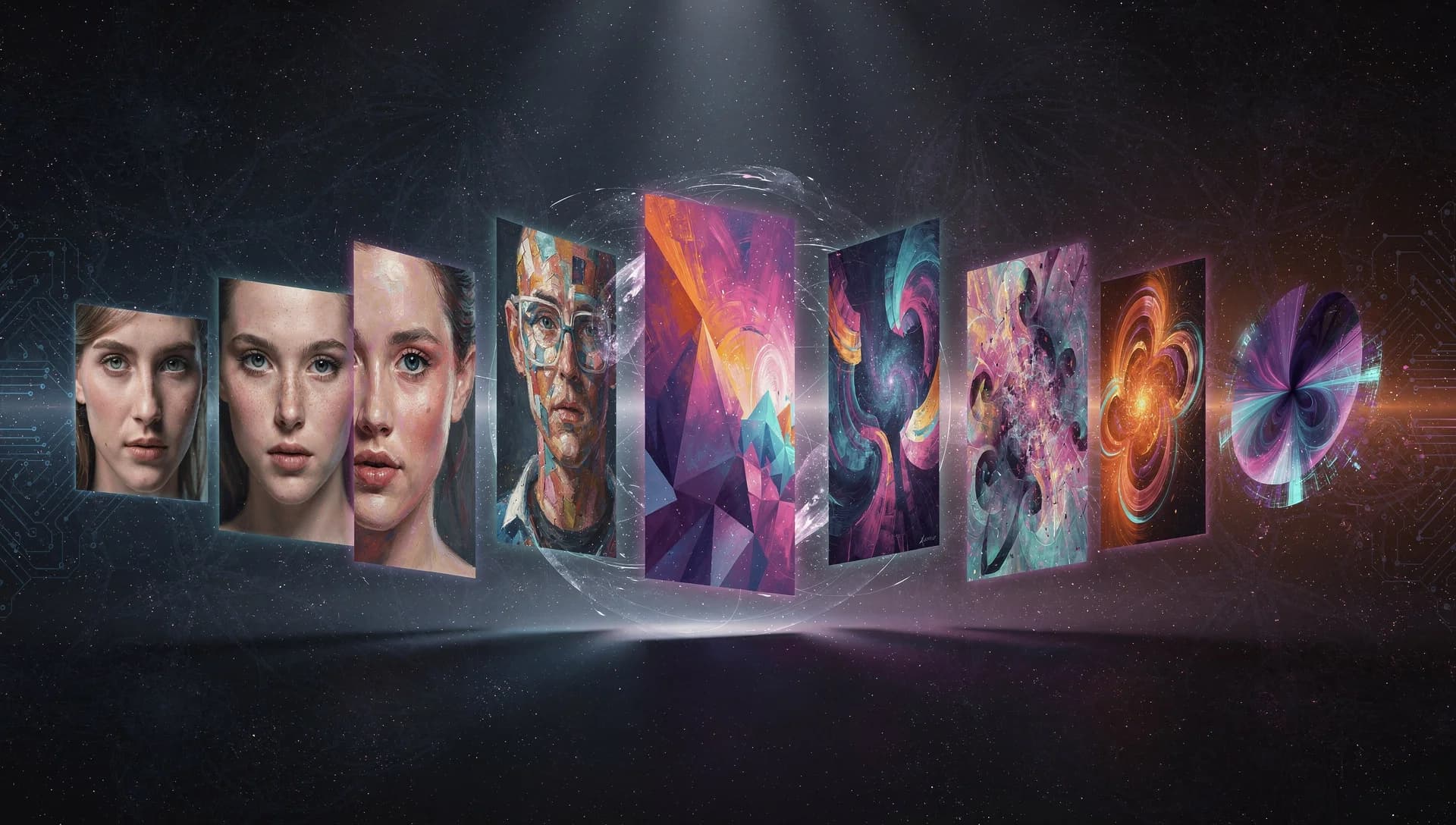
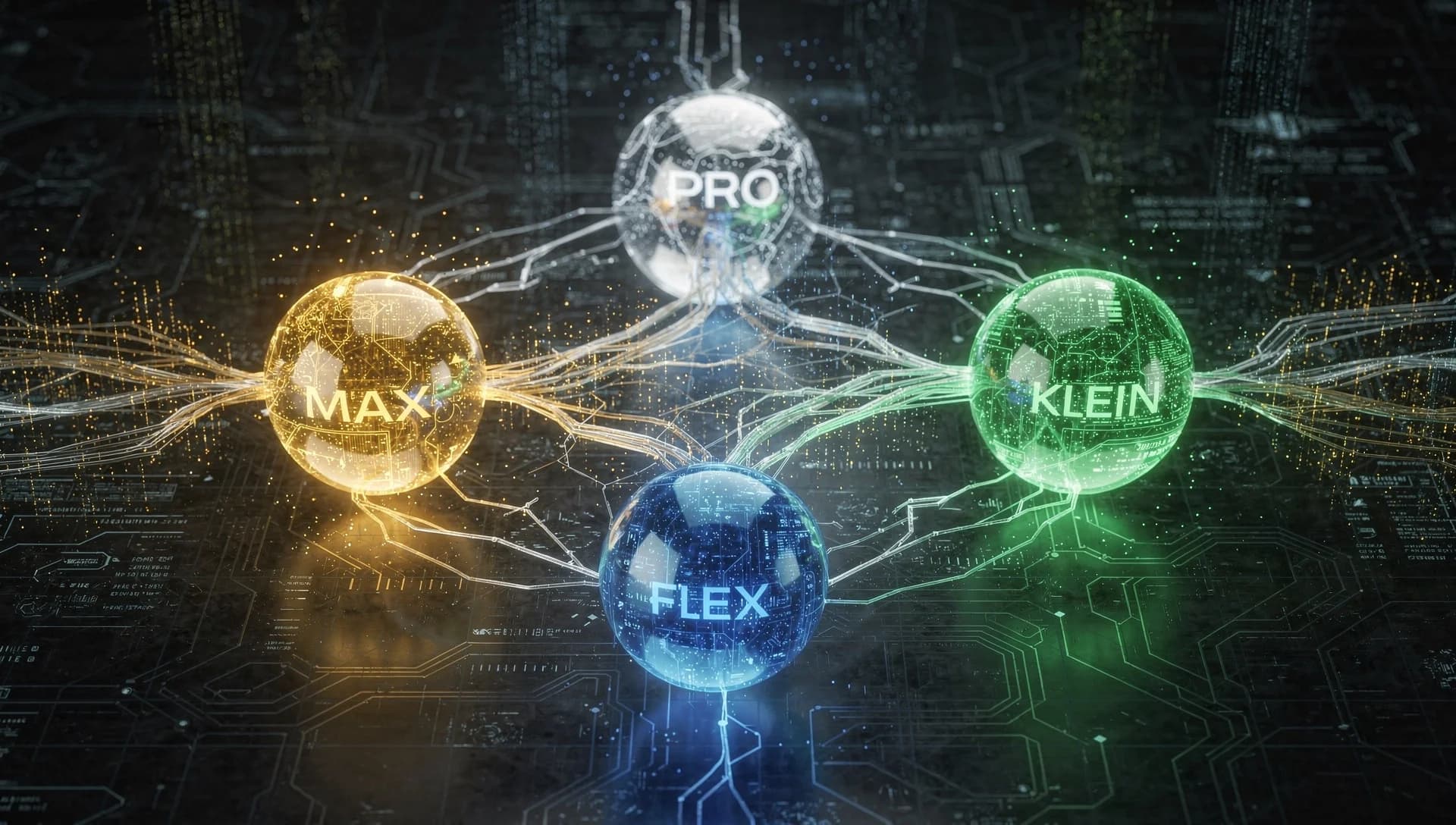
Picking the right AI model is half the work. Flux is strong with typography, Nano Banana has its own look, GPT Image follows prompts closely. Fire mode skips the guessing. You write one prompt, choose the models you want, and it generates from all of them at once so you can compare and keep the best.
How Fire Images works
- Write a prompt, or paste something like "3 from flux, 2 nano banana" and let it fill the picker for you.
- Choose your models and how many images each should make, up to 5 per model.
- See the total credit cost before you generate, checked against your balance.
- Results come back grouped by model, so comparing is easy.
Fire Videos, the same idea
Fire Videos does the same across text to video models like Veo 3.1 Fast, Kling 3.0 Pro, and Seedance 2.0. Describe a scene once and get variations from several models to see which motion and style you like best.
Why batch beats one at a time
- Compare models on the exact same prompt, with no re-typing.
- Build a variety pack in one go for moodboards or client options.
- Find the model that fits your style without paying to learn each one separately.
Credits stay in your control
Fire always shows the total before it runs and will not start if you are short on credits. If a single model fails, only that part is refunded and the rest still deliver.
Try one prompt across every model.
Open Fire Images