Fire Images: Run One Prompt Across 5 AI Image Models at Once
How Fire Images fans a single prompt out to Flux 2 Klein 9B, GPT Image 2, Nano Banana 2, Flux 2 Flex and Flux 2 Max, up to 5 images per model, with the credit total shown before you spend.
What Fire Images Does
Most of the time lost in AI image work is not prompting, it is picking the model. Fire Images removes that step. You write one prompt, tick the models you want, choose how many images each should produce, and every model runs on the exact same prompt at the same time. Results come back grouped by model so the comparison is right there.
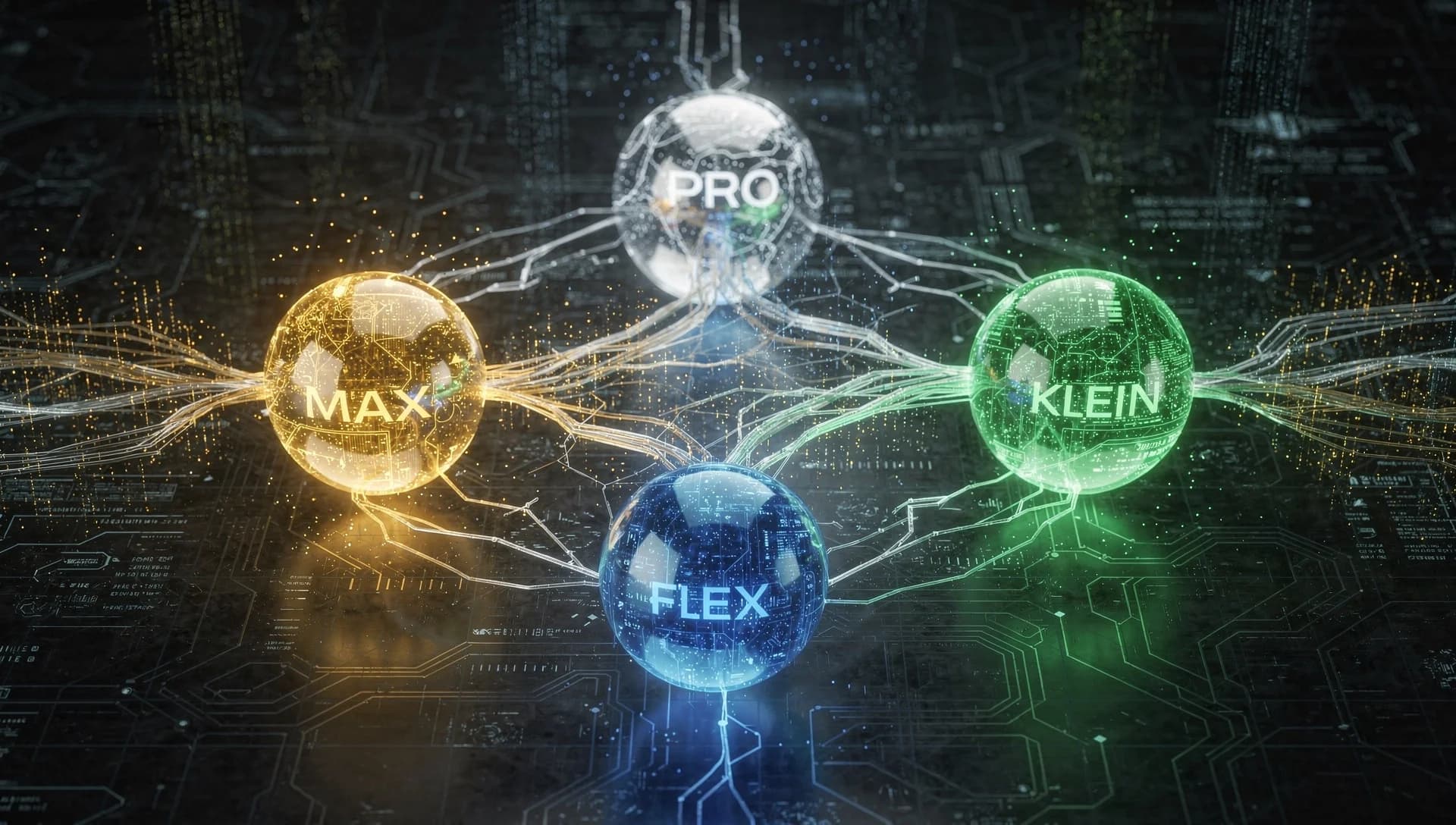
The Five Models You Can Fan Out To
- Flux 2 [klein] 9B, 3 credits per image: fast and balanced, the cheapest way to test an idea
- GPT Image 2, 8 credits per image: strong prompt following, good with instructions that have many parts
- Nano Banana 2, 12 credits per image: Google image quality, its own distinct look
- Flux 2 [flex], 13 credits per image: the one to pick when the image contains readable text
- Flux 2 [max], 15 credits per image: highest Flux quality, strongest prompt adherence
Fire Images is text to image only. Editing, upscaling and reference image models live in Studio, because a batch that mixes generation with editing cannot be compared fairly.
How to Run a Batch
- Open Fire Images and write your prompt once.
- Pick an aspect ratio: 1:1, 16:9, 9:16, 4:3, 3:4 or 21:9.
- Set a count per model with the steppers, up to 5 images from each model.
- Check the total line, which shows outputs and credits against your balance.
- Generate, then compare the grouped results and download the ones you want to keep.
Let the Picker Read Your Prompt
If you already know what you want, type it in plain language and press the auto pick button. Something like "3 from flux, 2 nano banana, a neon ramen shop at night" fills the model counts for you and leaves the cleaned prompt in the box. It is faster than clicking steppers when you are running many batches in a row.
What a Batch Actually Costs
Cost is per output, so it is easy to predict. Two Klein 9B images (6 credits), two GPT Image 2 (16 credits) and one Nano Banana 2 (12 credits) is 5 images for 34 credits. The total is shown before you generate and the run will not start if your balance is short, so there are no surprises after the fact.
When to Use Fire Instead of Studio
- You do not know which model suits the style you are after.
- You need a variety pack for a moodboard or a set of client options.
- You want to test a prompt across models before committing to a longer run.
- You are onboarding and want to learn the models without paying to try each one separately.
Frequently Asked Questions
How many images can Fire Images generate at once?
Up to 5 images from each model, with a safety cap of 25 outputs in total across all selected models in one run.
Do I pay for an image that fails?
No. Outputs are handled individually, so if one model fails, that part is refunded and the rest of the batch still delivers.
Which model is best for text inside an image?
Flux 2 [flex] at 13 credits. It is tuned for typography and small detail, so posters, packaging and anything with a readable line should include it in the batch.
Can I use reference images in Fire Images?
No. Fire is text to image only. For reference based editing, multi reference composition or upscaling, use Studio.
How is this different from generating five times in Studio?
One prompt instead of five, all models running at the same time instead of one after another, one cost check instead of five, and results grouped by model so the comparison needs no extra work.
Run one prompt across every image model.
Open Fire Images